Hello Readers! “The Monday Elephant” is a weekly PostgreSQL blog post series that brings you tips, tricks and tools to help you be more productive with PostgreSQL database administration.
PostgreSQL has a powerful, somewhat unique and a bit confusing identity model that conflates the traditional concept of users and groups into a single unified idea of a role. While this may be slightly brain-bending at first, it allows for setting up permissions models as trees, and for assigning certain permissions by default to users (inherited roles) while requiring an explicit statement (“SET ROLE”) to activate other permissions.
Learn more about roles from the official PostgreSQL documentation. There are also a list of pre-defined roles that keep growing each version.
Typically, with a new database cluster it makes sense to first deny arbitrary object creation for everyone, with:
REVOKE ALL ON SCHEMA public FROM PUBLIC;
REVOKE ALL ON DATABASE mydb FROM PUBLIC;
and then create users as roles that are allowed to LOGIN:
CREATE ROLE user1 LOGIN PASSWORD 's3cr3t';
CREATE ROLE user2 LOGIN PASSWORD 'verys3cr3t';
Side note: In PostgreSQL, the roles system (the authorization, access control, permissions and privileges) is mostly separate from the authentication part, which is controlled via the pg_hba.conf file. The only overlap is that a role can be associated with a password, but how it is used depends on pg_hba.conf.
“Groups” are typically of two varieties. The first type is what is similar to systems like Unix, where a user inherits the privileges of the group they belong to. Such roles are simple to create in PostgreSQL:
CREATE ROLE group1;
CREATE ROLE group2;
Permissions are typically assigned to groups and not users. For example, let’s allow group1 users read-only access to all tables, and group2 users INSERT and UPDATE access on two tables:
GRANT SELECT ON ALL TABLES IN SCHEMA public TO group1;
GRANT INSERT, UPDATE ON table1, table2 TO group2;
Adding users to groups can also be done through GRANT:
GRANT group1 TO user1; -- add user1 to group1

GRANT group1, group2 TO user2; -- add user2 to group1 and group2
In PostgreSQL, groups can also belong to, or be a member of, other groups. This lets you define more granular and manageable permission models. Let’s create a group belonging to group1:
CREATE ROLE subgroupof2;
GRANT DELETE ON table1, table2 TO subgroupof2;
GRANT subgroupof2 TO group2 WITH INHERIT FALSE;
After these assignments, user1 has read-only access to all tables in public schema. user2 can also do that, and also perform INSERTs and UPDATEs on table1 and table2. Additionally, user2 can do a SET ROLE subgroupof2 and then perform DELETEs on table1 and table2.
The SET ROLE statement requirement is a deliberate extra step to prevent
accidental actions.
Before we get to the SQL queries you came here for, let’s create some more users and groups, as shown in the example in the PostgreSQL documentation:
CREATE ROLE joe LOGIN;
CREATE ROLE admin;
CREATE ROLE wheel;
CREATE ROLE island;
GRANT admin TO joe WITH INHERIT TRUE;
GRANT wheel TO admin WITH INHERIT FALSE;
GRANT island TO joe WITH INHERIT TRUE, SET FALSE;
Here is the query to list all users, along with the groups that they can inherit permissions from, and the groups that they need to explicitly SET ROLE to get access to:
SELECT    R.rolname AS user,
          ARRAY(
              SELECT    R2.rolname AS group_name
              FROM      pg_roles R2
              WHERE     pg_has_role(R.rolname, R2.oid, 'usage')
              AND       R2.rolname != R.rolname
          ) AS inherit_groups,
          ARRAY(
              SELECT    R2.rolname AS group_name
              FROM      pg_roles R2
              WHERE     pg_has_role(R.rolname, R2.oid, 'member')
              AND       R2.rolname != R.rolname
          EXCEPT
              SELECT    R2.rolname AS group_name
              FROM      pg_roles R2
              WHERE     pg_has_role(R.rolname, R2.oid, 'usage')
              AND       R2.rolname != R.rolname
          ) AS setrole_groups
FROM      pg_roles AS R
WHERE     R.rolcanlogin
AND       R.oid != 10 -- don't list bootstrap superuser
ORDER BY  R.rolname ASC;
Running this query gives us:
 user  | inherit_groups  | setrole_groups
-------+-----------------+----------------
 joe   | {admin,island}  | {wheel}
 user1 | {group1}        | {}
 user2 | {group1,group2} | {subgroupof2}
(3 rows)
And here is a query to list all groups with their users or subgroups:
-- all groups and direct members
WITH      A AS (
              SELECT    roleid::regrole::text AS g,
                        member::regrole::text AS u
              FROM      pg_auth_members
          )
SELECT    g AS group,
          array_agg(u ORDER BY u) AS members
FROM      A
WHERE     g NOT LIKE 'pg_%'
GROUP BY  g
ORDER BY  g;
which returns the output:
    group    |    members
-------------+---------------
 admin       | {joe}
 group1      | {user1,user2}
 group2      | {user2}
 island      | {joe}
 subgroupof2 | {group2}
 wheel       | {admin}
(6 rows)
These two queries should be helpful in figuring out who has access to what. The first step of doing that would be listing out users, groups and memberships, and these queries do just that.
There are more complications in practice – ADMIN and GRANT options, mixing of roles with and without INHERIT attributes, complex nested roles etc. The documentation for pg_roles, pg_has_role and pg_auth_members, along with this chapter should be helpful to modify these queries to your needs.
About pgDash
pgDash is a modern, in-depth monitoring solution designed specifically for PostgreSQL deployments. pgDash shows you information and metrics about every aspect of your PostgreSQL database server, collected using the open-source tool pgmetrics.
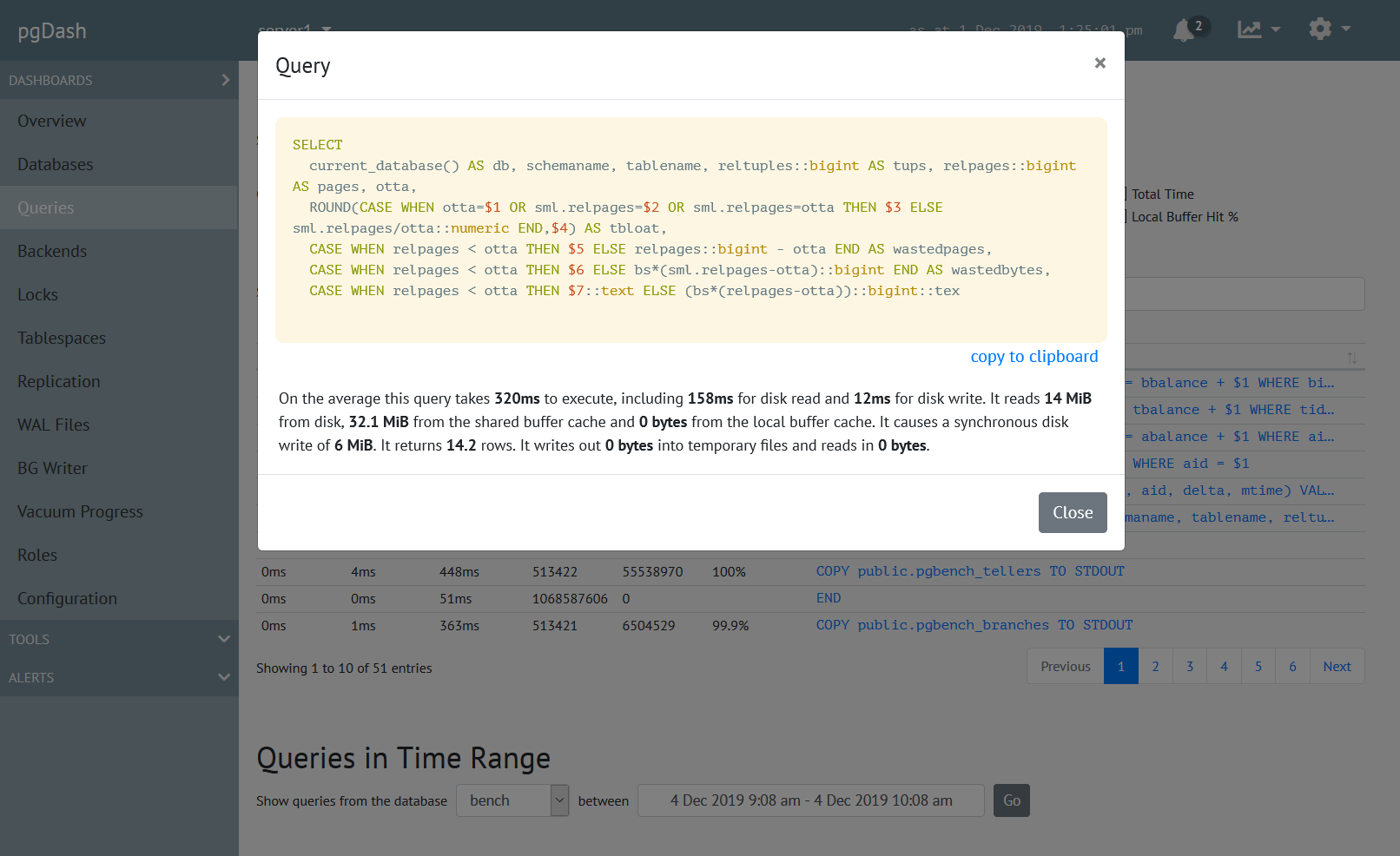
pgDash provides core reporting and visualization functionality, including collecting and displaying PostgreSQL information and providing time-series graphs, detailed reports, diagnostics, alerting, teams and more. Checkout the features here or signup today for a free trial.